
How to Place an Exotic FX Order
The Exotic FX (EFX) Order feature within the Orbital Client Portal allows you to sell exotic currencies and buy stablecoins. This service supports international treasury operations by allowing businesses to mitigate exposure to volatile currencies and transition assets into more stable digital assets.
How to Submit an EFX Order
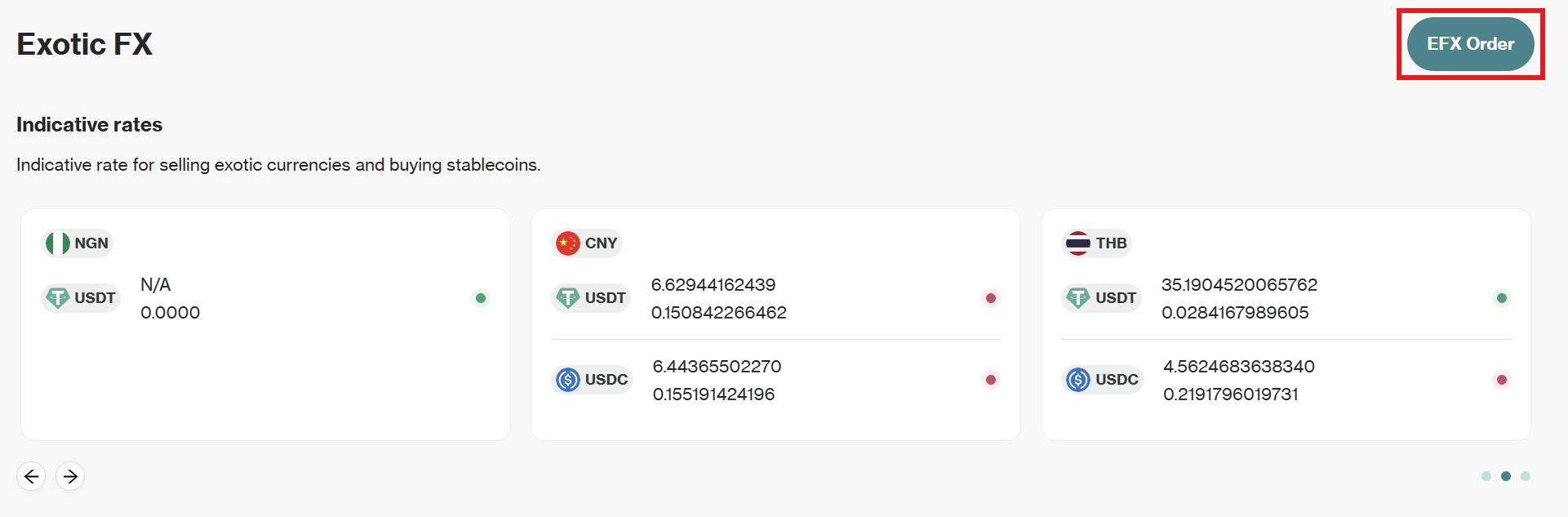
- From the left-hand navigation menu, select Exotic FX. This will take you to the overview page, where you can view indicative rates and your order history.
- To start a new order, click the EFX Order button.
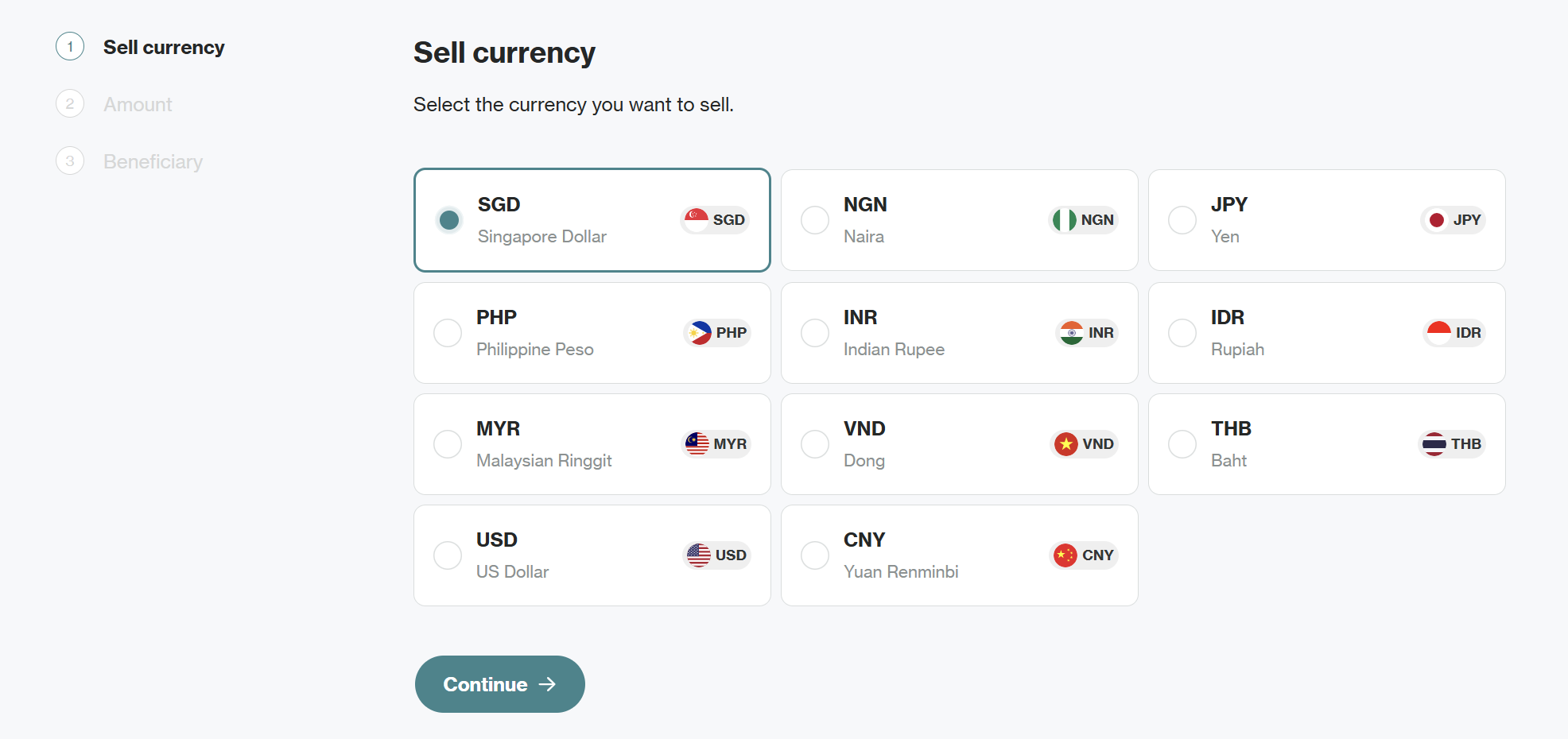
- On the Sell currency screen, select the exotic currency you wish to sell (e.g., SGD, NGN, JPY, PHP) and click Continue.
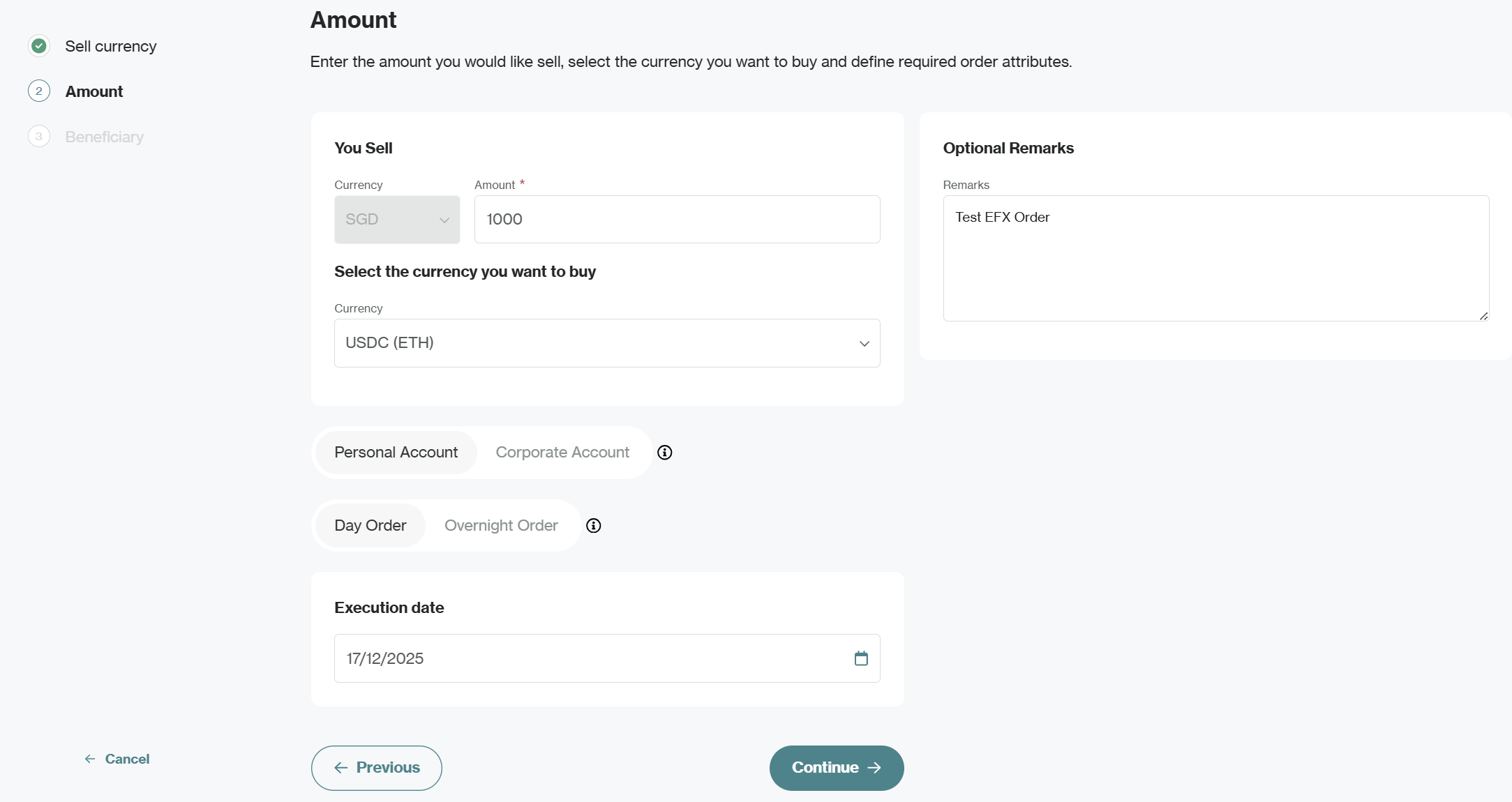
- Next, define order details:
- Amount: Enter the total value you wish to sell (in your selected exotic currency).
- Buy Currency: Select your preferred stablecoin from the dropdown menu.
- Remarks (Optional): Add internal notes to assist with reconciliation.
- Select your account type by choosing either
- Personal Account: For individual transactions
- Corporate Account: For business transactions
- Select your order type:
- Day Order: Valid only for the current trading day, expires if not executed by the end of the day
- Overnight Order: Remains active until the close of the next trading day
- Select your preferred Execution date and click Continue.
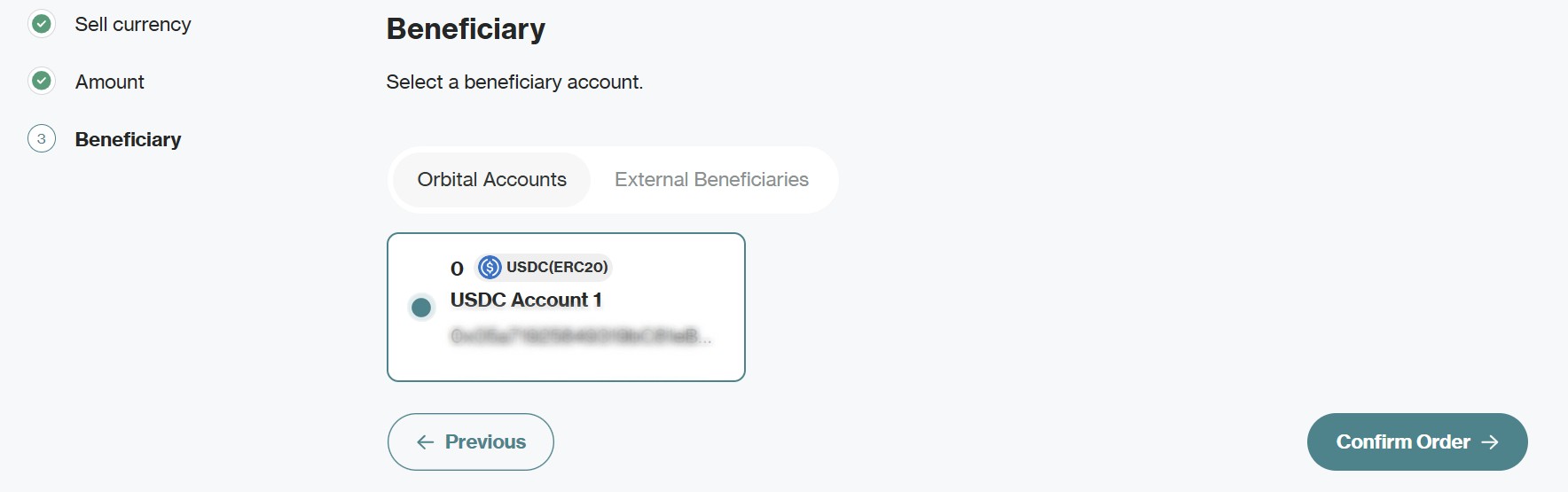
- On the Beneficiary screen, choose the destination for your stablecoins from your Orbital Accounts or your pre-approved External Beneficiaries.
- Review all details and click Confirm Order to submit your order.
Updated 10 months ago
Did this page help you?